
In today’s educational environment, the evolution of teaching tools is constantly reshaping the classroom. Among these advancements, large-screen displays are increasingly becoming a crucialse an Interactive Display for the bridge connecting teachers, students, and knowledge. The interactive flat panel is a concrete manifestation of this trend. It’s not simply a larger screen; smart boards integrate multiple functions, aiming to provide a physical extension and integration for interactive teaching.
These devices typically integrate high-definition display, touch operation, audio playback, and basic computer processing functions. Their core value lies in attempting to change the one-way information transmission in traditional classrooms through a larger viewing area and intuitive interaction methods, creating a shared, collaborative visual and interactive center for teachers and students.
The following will explore its application in educational scenarios from several aspects.
I. Visual Presentation and Classroom Attention Management
The 98-inch interactive display screen provides a vast display area. This brings some intuitive changes to classroom teaching.
1. Enhanced Content Clarity: Whether displaying textual textbooks, high-definition images, complex charts, or playing video materials, the large-format display ensures that students sitting in the back of the classroom can clearly see details, reducing distraction caused by poor visibility.
2. Increased Visual Inclusivity: Teachers can simultaneously display content requiring comparison, such as different problem-solving steps, paragraphs from two articles, or comparative maps of historical events, facilitating overall observation and associative thinking for students without frequent page switching.
3. Focus on Classroom Concentration: The teacher’s operations and explanations can be fully concentrated on a unified large screen, naturally guiding students’ attention to the shared learning content, helping to maintain classroom rhythm and collective focus.
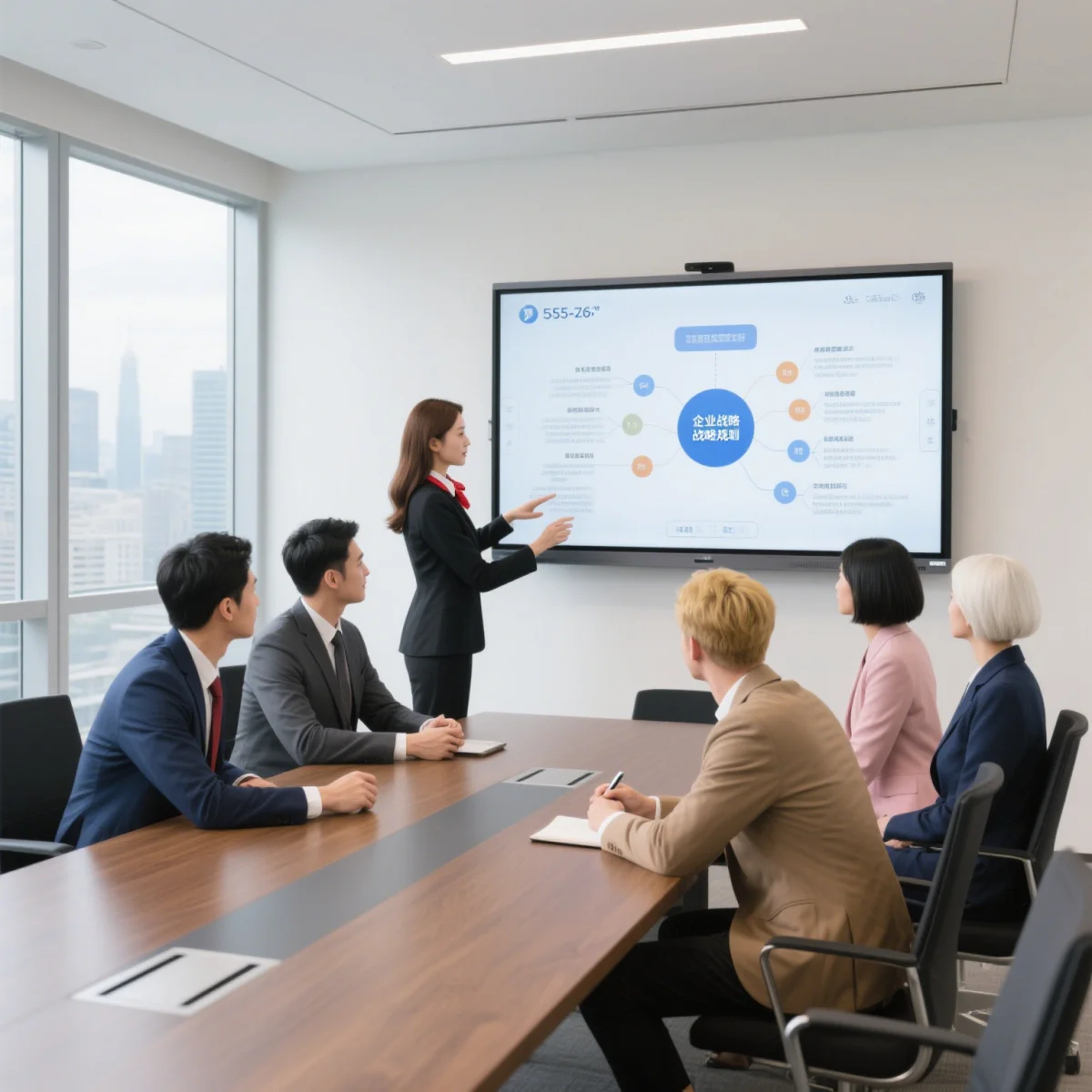
II. Integration of Interactive Methods and Teaching Processes Touchscreen functionality is a key interactive feature of this type of interactive whiteboard, transforming the screen from a simple “display panel” into an operable “workbench.”
1. Intuitive Operation: Teachers or students can directly write, annotate, and drag objects on the screen using their fingers or a stylus. For example, when explaining geometric figures, they can draw and measure directly on the screen; when analyzing an article, they can highlight key words and phrases at any time. This operating method is closer to people’s natural habits on paper, lowering the barrier to technology use.
2. Promotes classroom interaction: Students can come to the screen to demonstrate their problem-solving process, spell words, or conduct simulated experiments. This hands-on participation is more effective than mere verbal answers and encourages more students to actively participate in classroom activities.
3. Convenient workflow integration: interactive digital boards often have built-in or connectable various teaching aids, such as timers, magnifying glasses, and screen-obscuring devices. Teachers do not need to switch between multiple devices or software, allowing for smoother integration of these tools into teaching activities and maintaining classroom continuity.
III. Resource Integration and Context Creation As an integrated platform, the multimedia teaching all-in-one machine makes it possible to converge and present various educational resources.
1. Multi-type resource integration: Teachers can easily integrate images, audio, video, animation, documents, and even compliant materials from the internet into a single interface or lesson, readily available as needed. This multimodal information presentation helps stimulate students through different sensory channels, aiding in the understanding of abstract concepts.
2. Creating Learning Contexts: For example, in geography class, dynamic satellite maps and landform simulations can be displayed; in biology class, 3D animations of the microscopic world can be played; in language arts class, short historical background videos related to the text can be shown. The immersive experience of a large screen helps students place themselves in specific knowledge contexts.
3. Recording and Review: Many devices support saving written content and operation processes on the screen as electronic files. This is convenient for teachers to organize teaching notes after class, for students who missed lessons to catch up, or for reviewing class content.
IV. Considerations in Practical Application Introducing such large-sized equipment into the classroom also requires comprehensive consideration of many factors.
1. Space and Installation: A 98-inch interactive smart board requires a matching classroom space to ensure all students have a good viewing angle, and the installation must be versatile, stable, and safe. The layout of the podium and lighting (such as avoiding glare) also need to be adjusted accordingly.
2. Teacher Skills and Lesson Preparation: To effectively utilize the device’s functions, teachers need to be familiar with its basic operation and consider how to organically integrate it with teaching objectives and course content, rather than using it for the sake of using it. This may require some training and adjustments to lesson preparation methods.
3. Equipment Maintenance and Costs: This type of equipment is a fixed asset. Its purchase cost, subsequent maintenance, and potential software updates or hardware repairs all need to be included in long-term management planning. Ensuring its stable and reliable operation is fundamental to guaranteeing the normal conduct of teaching.
4. Health and Habits: Prolonged screen time requires attention to eye hygiene. Usage time should be reasonably arranged, and students should be guided to develop good viewing habits. The writing feel of touchscreens differs from that of real pen and paper; some basic writing exercises still need to retain traditional methods.
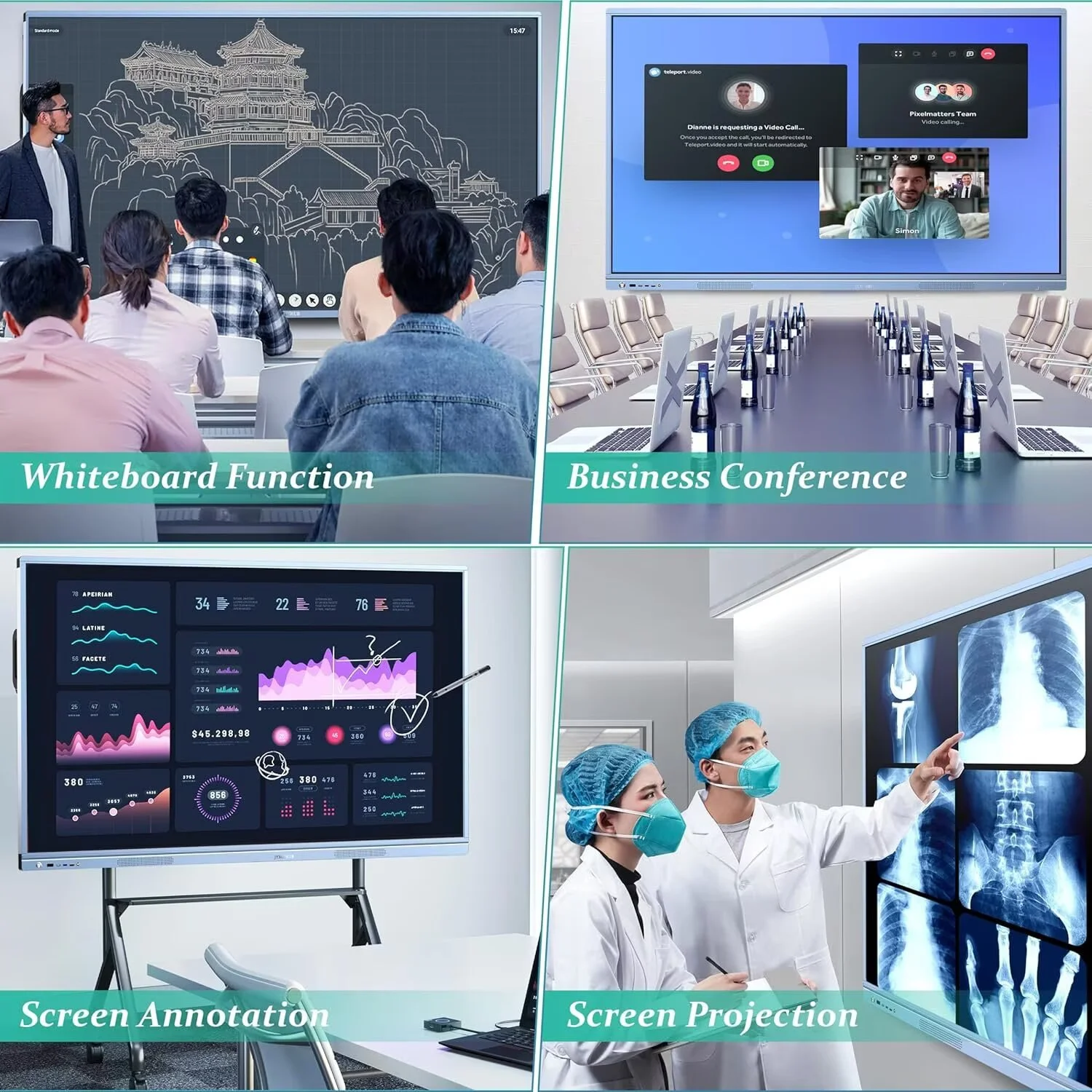
In conclusion, the interactive flat panel is a tool for integrating information technology into the physical classroom. Its value lies not in its technical parameters, but in how it is appropriately applied to teaching practice to serve clear educational goals. It expands the window for information sharing, enriches the avenues for teacher-student interaction, and facilitates the integration of diverse teaching resources. However, the introduction of technology is always a means, not an end. The core of education remains human growth and development, the enlightenment of thought, and the exchange of emotions. The ultimate effectiveness of any teaching tool, regardless of its size or functionality, depends on the user—how teachers use it wisely to stimulate interest, guide thinking, and answer questions, and how students use it to participate more actively, deeply, and effectively in the learning process. By balancing technological convenience with the essence of education, such devices may offer a new physical possibility for building more engaging and attractive learning environments.
Post time: Mar-04-2026