
In today’s classroom environment, the interactive flat panel display has gradually become a common piece of equipment. Flat panel board integrates various functions—such as display, operation, and audio playback—into a single unit, offering both teachers and students a pedagogical experience distinct from that provided by traditional blackboards or projectors. So, how does this device actually perform in practical teaching scenarios? We can explore this from the following perspectives.
I. Basic Functions and Features of Interactive Flat Panels
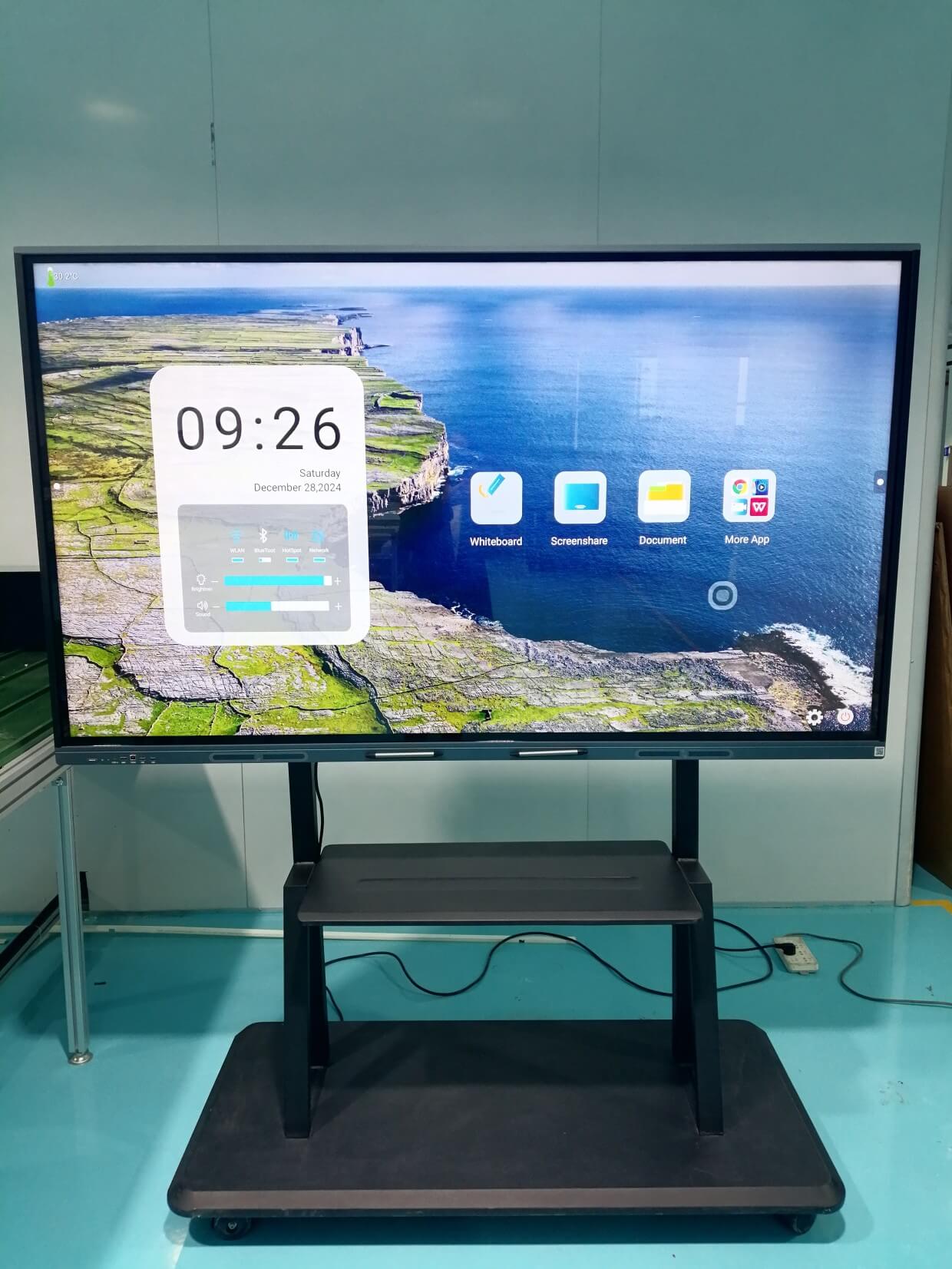
An interactive flat panel typically consists of a large-format touchscreen and a built-in operating system, supporting functions such as touch control, handwriting input, and multimedia playback. Teachers can write or annotate directly on the screen, as well as play videos, display images, or run educational software. Compared to traditional projection equipment, it requires no external computer or audio system connections, resulting in a more streamlined and integrated operation. Many interactive flat panels also feature wireless screen-mirroring capabilities, allowing teachers to quickly share content from other devices with their students.
In terms of user experience, the touch response of these panels is generally highly sensitive, and the writing experience is fluid, making it ideal for teachers to make annotations or sketches on the fly during a lecture. Some models of touch interactive flat panels even support simultaneous multi-touch input, facilitating group activities and interactive teaching sessions. Regarding audio, the built-in speakers are typically sufficient to meet the playback needs of a standard classroom, eliminating the need for external speakers.
II. Advantages of Interactive Flat Panels in Teaching
A significant advantage of the flat panel touch screen monitor is its ability to enhance classroom interactivity. Teachers can flexibly utilize a wide variety of resources—such as images, videos, or interactive courseware—to make lesson content more engaging and vivid. Students, too, can participate directly via the touchscreen—whether by answering questions or manipulating on-screen elements—thereby fostering a greater sense of engagement in the classroom.
Furthermore, the interactive flat panel simplifies device connectivity and operational workflows. Teachers no longer need to frequently switch between devices or spend time calibrating a projector, thereby saving valuable classroom time. The integrated design also minimizes cable clutter around the podium area, contributing to a neater and more organized classroom environment.
From the perspective of resource management, the interactive flat panel allows for the centralized storage and organization of teaching materials, making it easy for teachers to access past lesson content whenever needed. Some models also support cloud synchronization, facilitating the seamless sharing of resources across different classrooms.
Usage Guidelines and Maintenance
To ensure the long-term stability and reliable operation of a 75-inch interactive flat panel, routine maintenance is essential. The device should be positioned in a well-ventilated area and protected from prolonged exposure to high temperatures or high humidity. When cleaning the screen, use a soft, dry cloth to wipe it gently; avoid applying excessive pressure or using abrasive materials to prevent scratching the surface. In terms of operation, teachers should undergo basic training to familiarize themselves with the touch functionalities and software interface. Schools may establish usage guidelines—such as regularly checking for system updates or backing up important data—to ensure proper operation. It is also recommended to adjust the screen brightness according to the lighting conditions in the classroom to ensure a comfortable viewing experience.
**Cost and Feasibility Analysis**
Introducing 75-inch interactive teaching displays requires a certain level of investment, covering equipment procurement, installation, and ongoing maintenance. Specific costs vary depending on the configuration and features; for instance, a basic model might cost only a few thousand RMB, whereas a high-end version could reach tens of thousands of RMB. Schools can select a suitable model based on their budget, prioritizing durability and compatibility.
From a long-term perspective, these integrated displays may reduce the consumption of traditional teaching aids, such as printed materials or whiteboard markers. Their multifunctionality allows them to replace certain standalone devices—such as projectors or televisions—thereby optimizing resource allocation. In terms of feasibility, the installation of these integrated displays is relatively straightforward, typically requiring only the mounting of a bracket and connection to a power source to become operational.
**Future Development Trends**
As educational technology continues to advance, 75-inch interactive board panels are likely to offer further enhancements to the user experience. For example, future devices may feature more responsive touch capabilities or incorporate gesture recognition functions. On the software front, more applications tailored to the specific characteristics of different subject areas may be introduced to support personalized learning pathways.
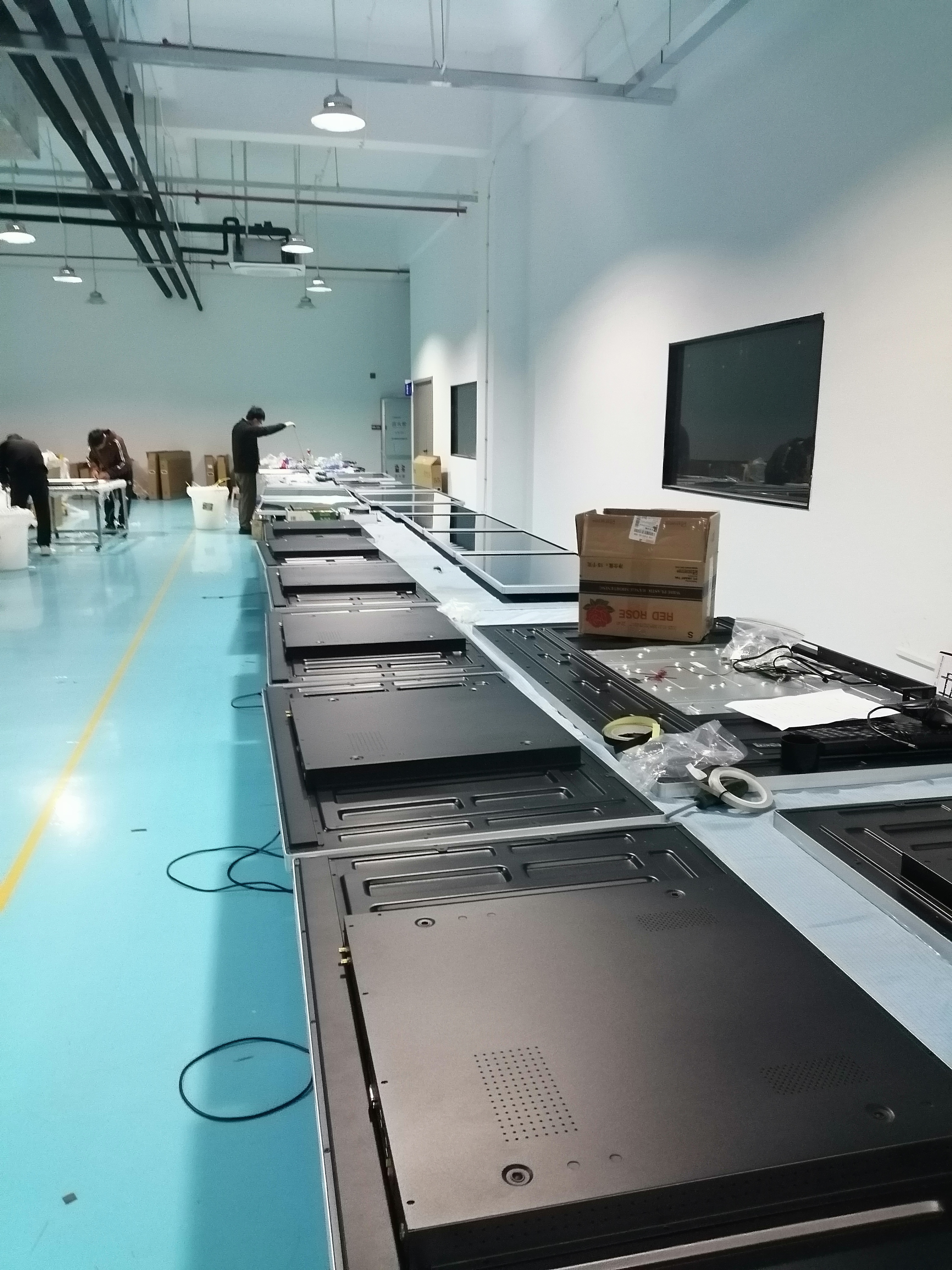 Once cleared, each unit moves to the packing area. Protective foam is fitted around the screens, accessories are tucked into place, and boxes are securely taped up. You can see stacks of ready-to-ship cartons piling up neatly on pallets near the loading bay.
Post time: Apr-30-2026