
In digital teaching and training scenarios, “all-in-one” devices typically refer to terminal devices that integrate display, interaction, and computing functions. Their core value lies in solving the pain points of traditional separate devices (such as projectors + electronic whiteboards + computers) in terms of space occupation, operational complexity, and synchronization latency through hardware integration and software collaboration. Taking teaching scenarios as an example, interactive display panel integrate functions such as whiteboard writing, courseware presentation, and multimedia playback onto a single screen through touch interaction technology. This reduces the cost of cable connections and debugging between devices, and lowers the technical barrier for teachers and students through handwriting touch operation, thereby improving teaching efficiency and interactive experience.
From a technical implementation perspective, the “all-in-one” characteristic of teaching and training all-in-one machines relies on the integrated design of the hardware architecture. For example, interactive panel display using a metal body encapsulate core components such as the motherboard, touch module, and heat dissipation system within a compact space of less than 30kg through integrated molding technology. This ensures structural stability and adapts to the power supply conditions of most teaching scenarios through a standard 220V voltage input. Its touch interaction relies on electromagnetic or infrared sensing technology, supporting dual-mode operation with both stylus and finger input. With a resolution up to 4K, it ensures smooth handwriting and clear presentation content. Furthermore, the built-in computer operating system can pre-install teaching software, enabling seamless integration of functions such as presentation playback, remote interaction, and learning progress recording, further enhancing the device’s integrated advantages.
In terms of application scenario expansion, the interactive panel 86 inch‘s “all-in-one” characteristic is also reflected in its compatibility with multiple scenarios. For example, in training scenarios, its touchscreen can replace a traditional whiteboard, supporting simultaneous writing and annotation by multiple users, and enabling rapid sharing of mobile content with wireless projection. In meeting scenarios, integrating a camera and microphone supports video conferencing and remote collaboration, reducing the need to deploy additional equipment. This “one device, multiple uses” characteristic makes the all-in-one device an efficient tool in education, corporate training, and remote work. Its value lies not only in hardware integration but also in building a comprehensive solution covering teaching, management, and interaction through a well-developed software ecosystem.
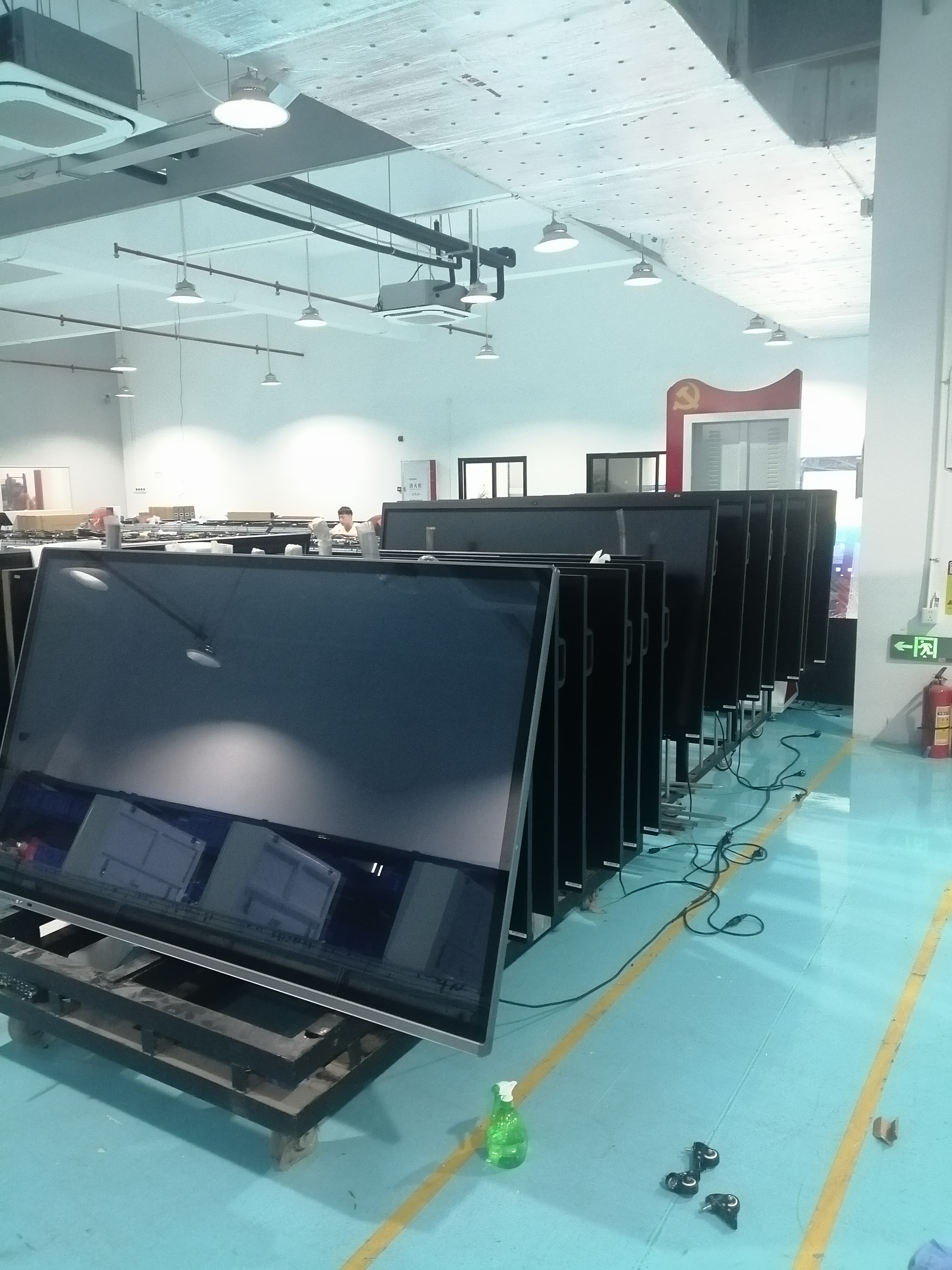
Sosu has always focused on in-depth refinement of educational displays, meeting collaboration, and smart office scenarios, emphasizing practicality and stability in its product development. Sosu excels at integrating large-screen displays, touch writing, and system compatibility, making teaching, team meetings, and document presentations smoother for teachers. Compared to devices that only focus on specifications, Sosu prioritizes the actual user experience, paying close attention to details such as smooth operation, image clarity, and multi-user collaboration. Therefore, it is quite popular in schools, training institutions, and conference rooms.
86-inch Large Screen Display: This Sosu interactive panel 86 inch features an 86-inch screen, making viewing courseware and giving presentations more intuitive. The large screen provides a wide field of view, allowing even those in the back to clearly see key content, making it particularly suitable for classrooms and conference rooms where multiple people need to view the content simultaneously, simplifying information delivery.
4K Clear Image Quality: The 4K resolution delivers fine image detail, presenting documents, tables, images, and teaching videos clearly. Text edges are sharper, and images are less blurry, making explanations more comfortable.
**Sensitive Infrared Touch Control:** Utilizing an infrared touchscreen, the device offers direct touch response, allowing for quick and easy operations such as writing, annotation, and page turning. Light taps and drags are smooth and intuitive, facilitating natural classroom interaction for both teachers and students and enhancing user engagement.
**Windows System Compatibility:** The built-in Windows system ensures compatibility with common office and educational software, making it easy to open courseware, run documents, and conduct presentations. For those familiar with computers, the learning curve is low, allowing for quick integration into daily teaching and office workflows.
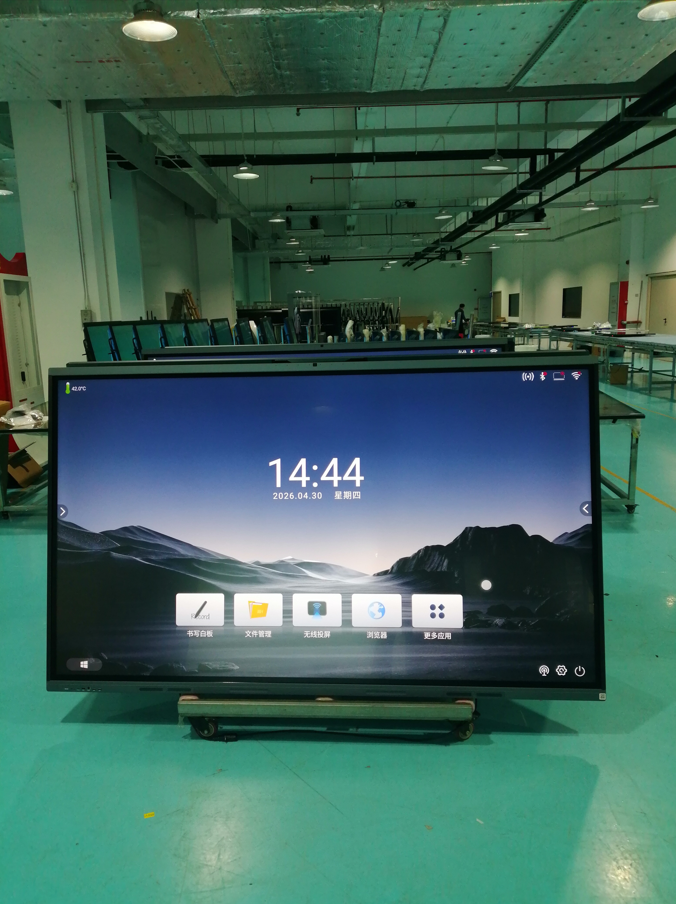
**Level 1 Energy Efficiency for Lower Power Consumption:** This all-in-one teaching machine achieves Level 1 energy efficiency, balancing performance and energy consumption effectively in classrooms and meeting rooms. This power-saving feature is particularly practical for high-frequency use scenarios, providing peace of mind during daily use.
**Camera-Free Design:** The absence of a built-in camera allows for focused presentations and collaborative teaching, minimizing distractions. For users who only need a large-screen presentation, annotations, and classroom instruction, this design is simpler, more direct, and better suited to their needs.
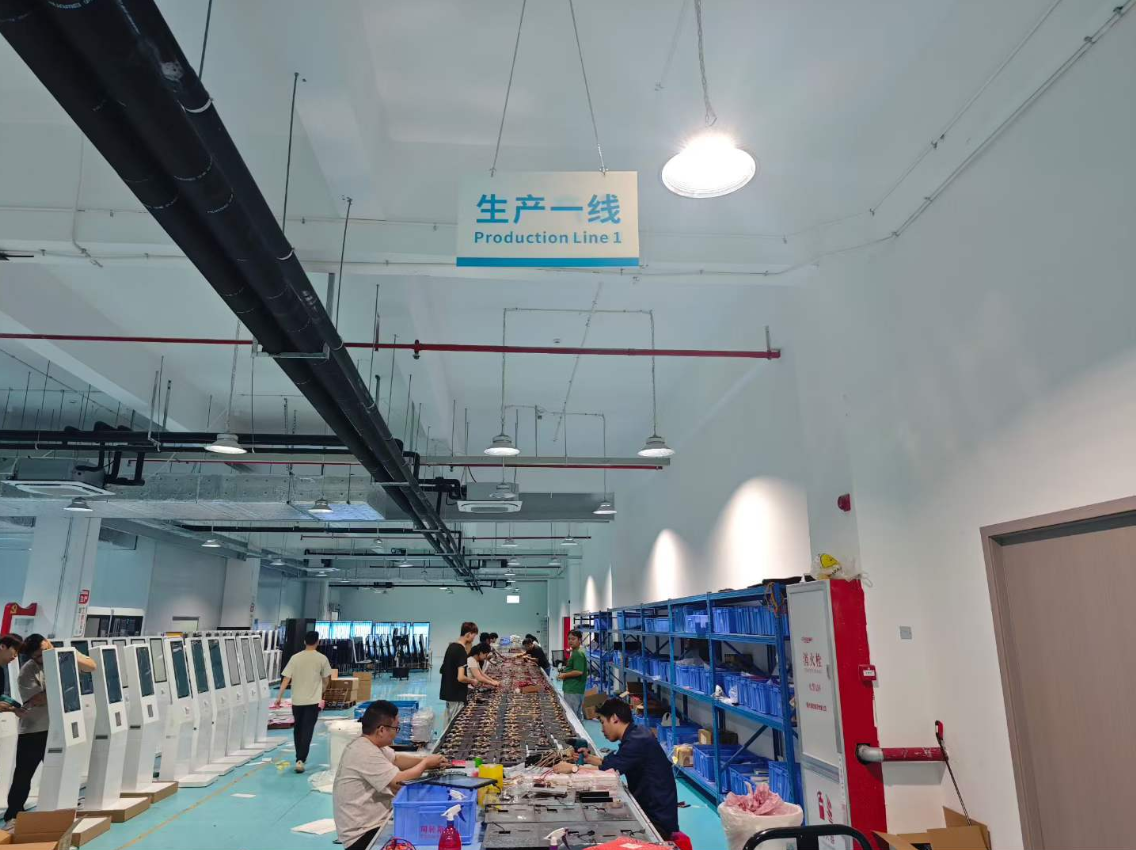
**Camera-Free Design:** Interactive panels for schools are camera-free, making them ideal for focused presentations and collaborative teaching, eliminating the distractions of additional functions. For users who only need a large screen for demonstrations, annotations, and classroom instruction, this design is simpler, more direct, and better meets their practical needs. Dual-purpose for teaching and meetings: It can be used for classroom blackboard writing and presentations, as well as for meeting reports and project presentations, making its application quite flexible. It can be used in schools, training institutions, and corporate meeting rooms, serving multiple purposes with one device, resulting in higher overall utilization.
**Dual-purpose for teaching and meetings:** touch screen white board can be used for classroom blackboard writing and presentations, as well as for meeting reports and project presentations, making its application quite flexible. It can be used in schools, training institutions, and corporate meeting rooms, serving multiple purposes with one device, resulting in higher overall utilization.
Post time: Sep-04-2026