
The flat panel display is an educational tool that integrates various teaching technologies. Beyond simply playing multimedia content like audio and video, it supports features such as real-time interaction, online quizzes, classroom screen locking, and screen casting. Suitable for diverse educational settings—including schools, training centers, and corporate training programs—these devices represent a key trend in the education industry. They are available in three configurations based on installation method: wall-mounted, embedded, and mobile.
1. Enhanced Teaching Effectiveness: By utilizing video, audio, and rich visual content, these devices make it easier for students to grasp and master concepts, thereby improving overall teaching outcomes.
2. Increased Interactivity and Engagement: These flat panel touch screens facilitate multi-user online interaction—such as classroom polls and Q&A sessions—encouraging active student participation and making lessons more engaging.
3. Convenience and Utility: Integrating a suite of teaching tools—including screen casting, screen locking, online quizzes, and real-time interaction—these devices provide a convenient, all-in-one solution for both teachers and students.
4. Classroom Management: These devices assist teachers in managing the classroom environment, streamlining tasks like taking attendance, assigning homework, and printing handouts, which significantly boosts productivity.
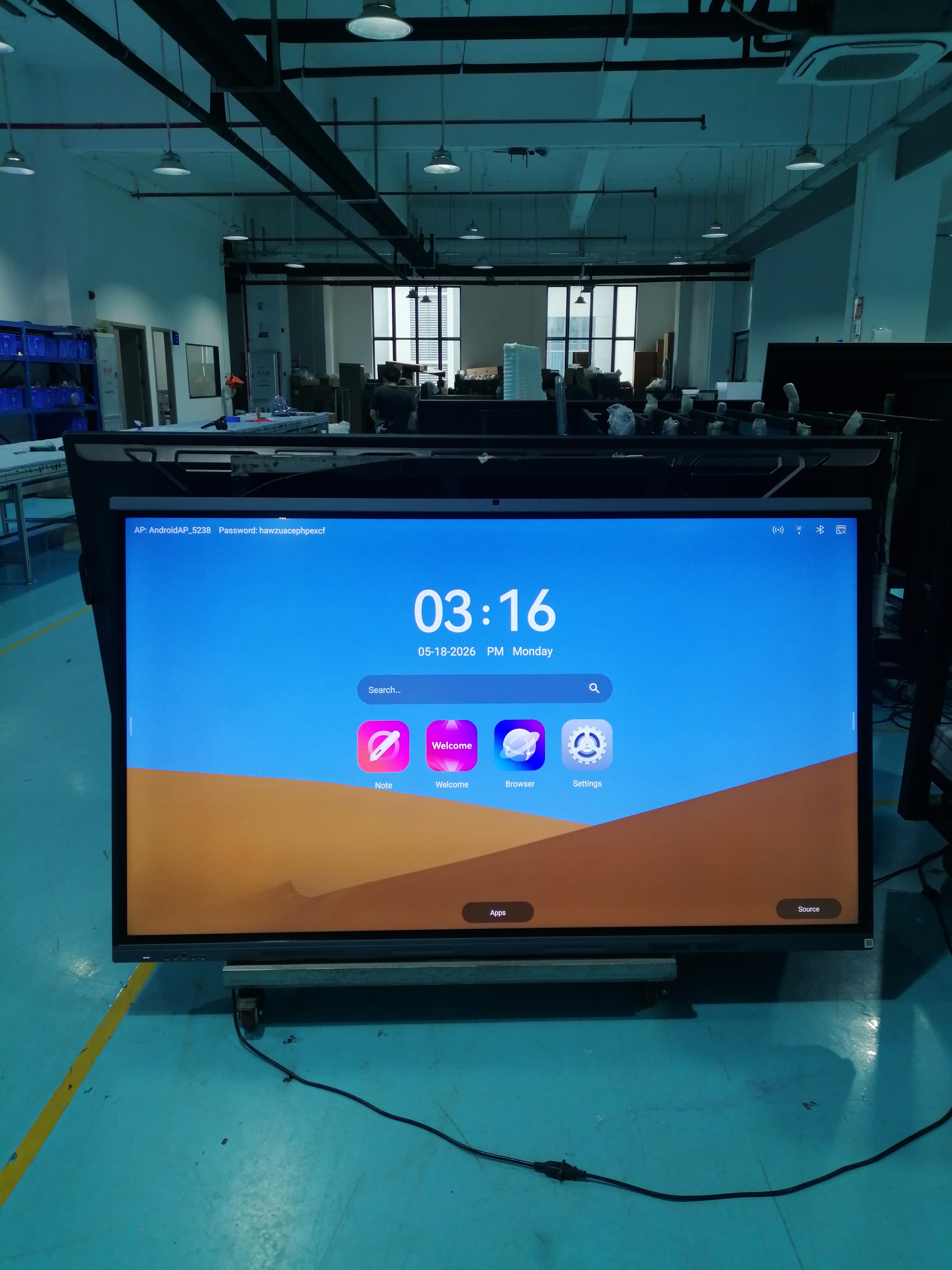
The “Dual-System Master” with Superior Compatibility
For schools or institutions relying on specific Windows-based teaching software, Sosu’s strengths truly shine. Its standout feature is the dual-system setup (Windows + Android), allowing for seamless, one-touch switching and exceptional compatibility; you never have to worry about legacy software failing to run. Furthermore, the writing experience is outstanding—featuring ultra-low latency, it feels as smooth and responsive as writing on a traditional blackboard. The OPS computer utilizes a modular design, meaning future hardware upgrades require only swapping out a small module rather than replacing the entire unit—a highly cost-effective solution in the long run.
A Smart Terminal Built for the “Internet of Everything”
If your school or enterprise is building a comprehensive smart ecosystem, the Sosu all-in-one teaching device is the perfect finishing touch. Backed by a powerful system, the device enables seamless “one-tap casting” of content from smartphones and tablets—an ideal solution for scenarios requiring remote inter-campus teaching or video conferencing. Its 4K display features blue-light protection to safeguard eyesight, while the high-performance microphone array clearly captures voices from up to eight meters away, making it perfect for recording open classes. Even better, handwritten content can be converted into digital documents in real-time, making the organization of meeting minutes and class notes incredibly convenient.
An all-in-one flat panel display for the classroom offers numerous benefits in educational settings, primarily in the following areas:
Enhancing Teaching Interactivity
- Touch-based Interaction: The touchscreen design allows teachers and students to write, annotate, and make selections directly on the device; for instance, in a mathematics class, students can come to the front to demonstrate problem-solving steps on the screen.
- Diverse Interactive Tools: Built-in features such as polling, quick-response quizzes, and group discussions enliven the classroom atmosphere and boost student engagement—such as using team-based buzzer competitions to reinforce vocabulary in English lessons.
Enriching Teaching Resources and Formats
- Expanding Instructional Content: Through internet connectivity, teachers can instantly access a vast array of online resources—such as high-quality courseware and case studies—to enrich lesson content and broaden students’ horizons.
- Integrating Multimedia: The device integrates various media resources—including text, images, audio, and video—to make abstract concepts tangible and vivid; for example, playing an animated video of cell division during a biology lesson helps students visualize microscopic processes.
Improving Teaching Efficiency
- Streamlined Lesson Preparation and Delivery: Teachers can prepare lessons directly on the device, integrating diverse resources into a single presentation file and switching between them easily during class, thereby saving the time typically spent preparing physical teaching aids or writing on the blackboard.
- Rapid Feedback and Assessment: Utilizing the flat panel touch screen monitor‘s testing functions enables quick in-class quizzes with automatic grading and statistical analysis, allowing teachers to gauge student understanding and adjust their teaching strategies accordingly promptly.
In short, all-in-one multimedia teaching systems have emerged as a new trend in education; they enhance teaching effectiveness, boost interactivity and engagement, offer practical convenience, and assist with classroom management. As technology advances and adoption grows, this type of equipment is set to play an increasingly vital role in the educational landscape.
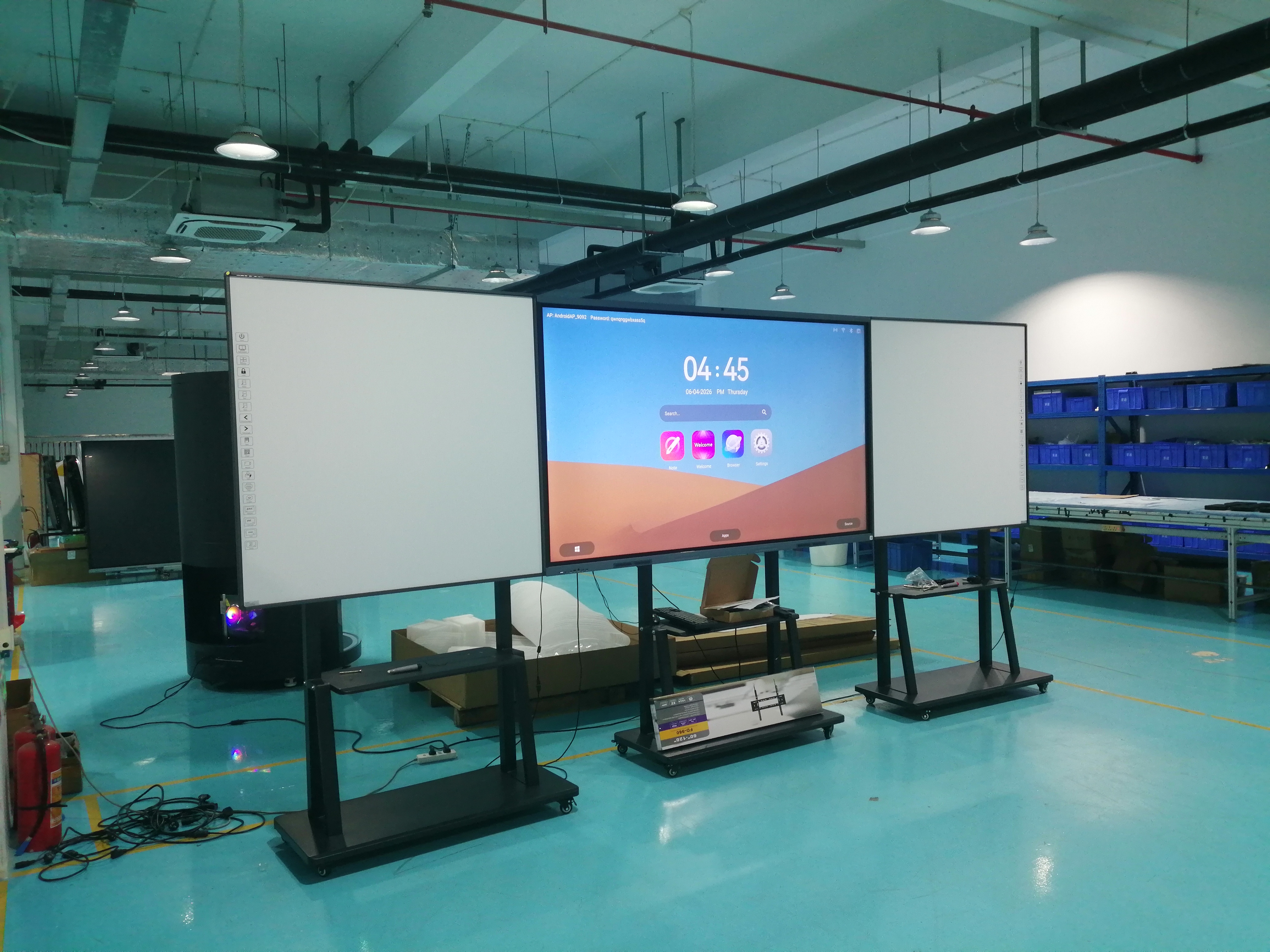
Factory at Full Capacity as Global Orders for Interactive Flat Panels Surge
Our production lines are running at full tilt this quarter, with batch after batch of interactive flat panels rolling off the line, tested, and prepped for shipment to schools and distributors worldwide. Backed by dust-controlled assembly and rigorous pre-delivery checks, we’re keeping pace with soaring demand—without cutting corners on quality. “Every panel we ship is classroom-ready on arrival,” said the production lead. From our factory floor to front-of-room learning, the busiest days are the ones that matter most.
Post time: Jun-26-2026