
The interactive teaching panel is a comprehensive educational tool that integrates the functions of various devices—such as computers, projectors, displays, and audio systems—and is currently widely utilized in classrooms across various types of schools. Typically consisting of a large touchscreen display, it allows teachers to operate directly on the screen to present instructional content and interact with students. But is this device truly effective in a practical teaching environment? We can explore this question from several different perspectives.
The core advantage of the interactive teaching panel lies in its integration. Traditional classrooms often require separate projectors, computers, and audio systems; connecting these devices can be a complex process and is prone to technical malfunctions. The interactive teaching panel consolidates these functions into a single unit, thereby streamlining operational procedures. Teachers need only power on the device to quickly transition into teaching mode, significantly reducing the time spent on equipment setup and calibration. For instance, during a lesson, a teacher can directly access course materials, videos, or images from the panel without the need to switch between multiple devices—a capability that significantly enhances classroom efficiency. Furthermore, these panels typically support touch-based operation, allowing teachers to write and annotate directly on the screen using their fingers or a specialized stylus. This approach mirrors traditional blackboard instruction but offers greater flexibility and a more modern feel. Such intuitive interaction helps capture students’ attention; particularly when explaining complex concepts, dynamic demonstrations and real-time annotations make the material more accessible and easier for students to grasp.
Ifpd display also excel in terms of interactivity. They support a wide array of educational software and applications, enabling teachers to utilize online resources, simulated experiments, or gamified learning tools tailored to the specific needs of their curriculum. For example, in a science class, a teacher can display 3D models, allowing students to rotate and zoom in on them via the touchscreen to examine intricate details; in a language class, the panel can play audio and video clips to assist students in practicing their listening comprehension and pronunciation. Additionally, these panels support simultaneous multi-user operation, allowing groups of students to come to the front of the class and interact with the device together, thereby fostering collaborative learning. This level of interactivity not only enriches the variety of teaching methods but also stimulates students’ interest in learning, making the classroom environment more lively and engaging. However, the effectiveness of this interactivity ultimately depends on the teacher’s usage habits and level of training; if a teacher is unfamiliar with the relevant functions, they may be unable to fully harness the device’s potential.
 Third, from a practical standpoint, the installation and maintenance of interactive teaching panels are relatively straightforward. Thanks to their integrated design, they minimize cable clutter and reduce the likelihood of technical malfunctions. Moreover, most panels incorporate energy-saving technologies that result in lower power consumption; over the long term, this can help schools realize significant savings on electricity costs. In terms of content updates, all-in-one teaching systems typically feature network connectivity, allowing teachers to download the latest educational resources at any time and ensuring that course content remains current. However, these integrated teaching systems also present some potential drawbacks. For instance, the initial purchase cost is relatively high; a standard model can range anywhere from several thousand to over ten thousand RMB—a financial burden for schools with limited budgets. Furthermore, should the equipment suffer a hardware failure, repair costs can be substantial and require the intervention of professional technicians, which may disrupt the normal pace of instruction.
Another common concern is: how user-friendly are these teaching systems? For teachers who are not technologically savvy, mastering the use of new equipment may require a significant amount of time. While most manufacturers provide basic training, the actual effectiveness of such programs varies from school to school. If a school organizes regular training sessions and offers ongoing technical support, teachers can typically adapt quite quickly. Conversely, without adequate guidance, some teachers may find the operation overly complex and may even opt to continue relying on traditional teaching methods. The overall usability of an all-in-one teaching system depends largely on the accompanying support services and the teachers’ willingness to embrace the technology.
Regarding content presentation, these systems typically feature high-definition displays and multimedia playback capabilities, thereby enhancing the visual learning experience. For example, during a history lesson, a teacher might play clips from a documentary; in an art class, they could display high-resolution close-ups of famous artworks. Such multimedia functionality helps transcend the limitations of traditional pedagogy, making abstract concepts more tangible and concrete. However, it is important to note that an over-reliance on multimedia may distract students; teachers must therefore strike a reasonable balance in its usage to ensure optimal instructional outcomes.
The durability and adaptability of an interactive board panel are also critical factors in evaluating its overall utility. Classroom environments typically involve heavy usage, requiring equipment that can withstand daily wear and tear. High-quality systems are constructed from robust materials capable of enduring a certain degree of physical impact and constant touch interaction; nevertheless, after prolonged use, screens may eventually develop scratches or suffer from delayed response times. When making a purchase, schools should carefully consider the equipment’s expected lifespan and the manufacturer’s warranty policy. Are these teaching systems suitable for every subject and grade level? In practice, they perform admirably in most scenarios; however, for courses requiring specialized equipment—such as physical education or laboratory classes—their supplementary utility may be somewhat limited. Teachers can, therefore, flexibly adjust their usage strategies to best suit the specific needs of their curriculum.
 In summary, as a modern pedagogical tool, the panel interactive offers distinct advantages in terms of integration, interactivity, and practicality, thereby significantly enhancing both instructional efficiency and the overall classroom experience. However, it is not without its flaws; factors such as cost, maintenance, and teacher training may impact its actual effectiveness. When introducing such systems, schools should comprehensively assess their own specific circumstances to ensure that the equipment genuinely serves the instructional process. Through judicious application, integrated teaching systems can become powerful aids in the classroom, helping both teachers and students more effectively achieve their educational objectives.
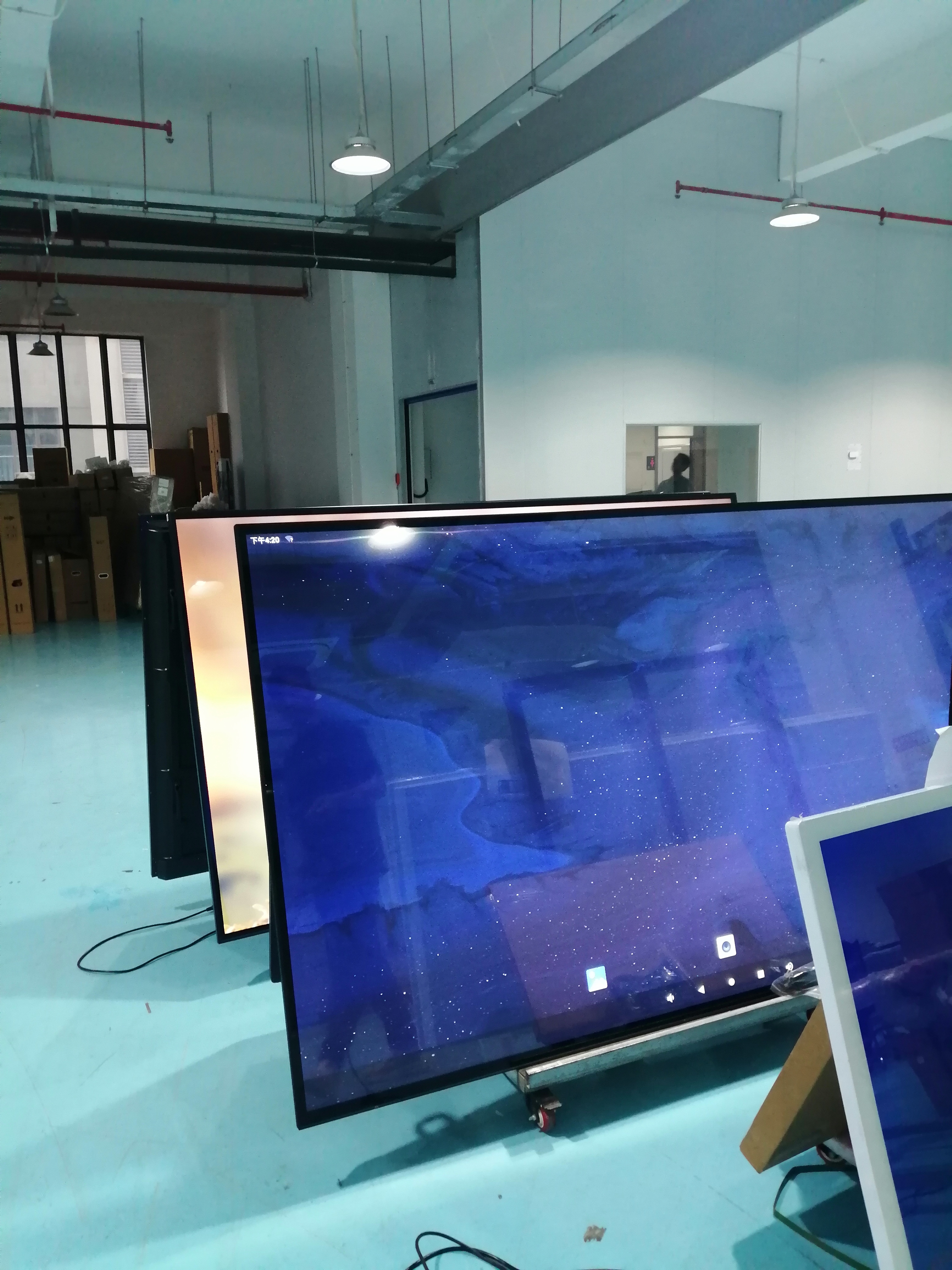
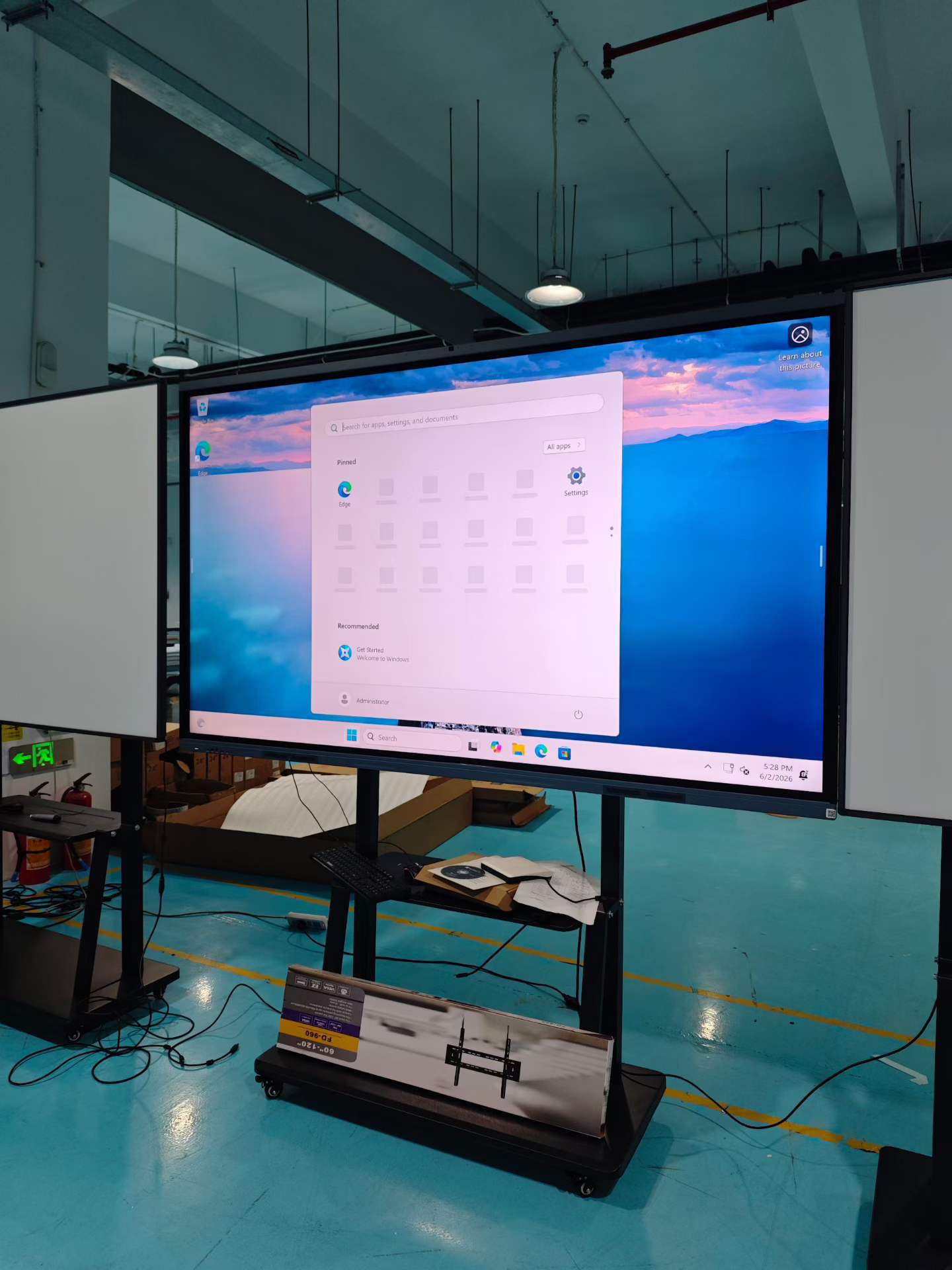
Production at Full Capacity: Factory Scaling to Meet Global Demand for Interactive Flat Panels
Driven by strong market orders, our specialized manufacturing facility is operating at full capacity to produce interactive flat panels for global classrooms. We combine dust-controlled assembly with batch production rigor, ensuring every unit is tested and classroom-ready before shipment. “We’re not just building screens—we’re enabling learning at scale and with reliability,” said the Production Lead. With a focus on durable, education-first design, we continue to be a trusted source for schools and resellers worldwide.
Post time: Jun-05-2026