
In the contemporary educational landscape, the application of technological tools is gradually reshaping traditional teaching models. Among these tools, the 75-inch interactive teaching panel—a new type of educational device—is infusing classroom instruction with a wealth of new possibilities. Integrating display, operation, and interactive capabilities into a single unit, this device efficiently meets a diverse range of instructional needs. The following sections will explore its specific applications within the educational sphere from several key perspectives.
1. **Core Device Functions and Pedagogical Suitability**
The 75-inch interactive panel display typically features a high-definition display capable of clearly presenting text, images, and video content. Thanks to touchscreen controls, teachers can write, annotate, or manipulate on-screen elements directly on the panel without the need for additional tools. For instance, when explaining geometric shapes, a teacher can freehand draw figures and adjust their dimensions in real-time, thereby helping students visualize abstract concepts and achieve intuitive understanding. Furthermore, the panel supports multitasking, allowing for the simultaneous display of textbooks, handouts, and supplementary resources, thereby ensuring smooth and seamless content transitions during classroom instruction.
 Regarding audio capabilities, certain models feature built-in speakers that can directly play audio materials, making the device an ideal aid for language learning or multimedia-rich courses. Teachers can also connect external peripherals—such as document cameras or laboratory instruments—to integrate physical demonstrations with digital content, thereby enriching the dimensions and layers of the instructional material.
2. **Interactive Teaching and Classroom Engagement**
Interactivity stands as one of the core strengths of the 75-inch interactive teaching panel. It supports multi-touch technology, allowing multiple students to operate the screen simultaneously—for example, by collaborating to solve problems during group activities. This design helps stimulate student enthusiasm for participation and reduces the amount of time students spend passively listening to lectures.
In humanities courses, teachers can utilize the panel to display historical maps or analytical frameworks for literary works, while students can participate directly in classroom discussions by dragging and dropping options or filling in blanks. In science education, the panel can simulate experimental processes, allowing students to experiment with adjusting various parameters and observing the results, all while minimizing the potential risks associated with hands-on laboratory work. This interactive pedagogical approach not only enhances classroom teaching efficiency but also fosters students’ teamwork and communication skills. 3. **Resource Integration and Curriculum Design**
A 75-inch interactive panel is typically compatible with a wide range of file formats, including documents, presentations, and videos. Teachers can import course materials onto the device in advance and flexibly access these resources as the lesson progresses. For instance, during a review session, a teacher can quickly switch back to key points previously covered, thereby helping students consolidate their learning.
Furthermore, the panel supports screen-sharing capabilities, allowing content to be projected onto students’ personal devices for easy review and reference after class. Some systems also feature a resource library function, enabling teachers to access pre-set teaching templates or case studies, thereby saving time on lesson preparation. These features transform the interactive panel from a mere display device into an invaluable aid in the curriculum design process.
4. **Practical Applications and Subject-Specific Uses**
Different academic disciplines place varying emphases on how they utilize a flat panel display for classroom. In language instruction, teachers can play videos demonstrating pronunciation and allow students to complete fill-in-the-blank exercises directly on the touchscreen. In mathematics classes, the device can dynamically visualize the evolution of function graphs, helping students grasp abstract concepts. Art courses can leverage the panel to display high-resolution artworks or design sketches, enabling students to trace or modify them directly on the screen.
 For more hands-on disciplines—such as geography or biology—the device can display 3D models or dynamic charts, making complex phenomena easier to comprehend. In the field of special education, the device’s large screen and touchscreen capabilities can be flexibly adjusted to accommodate diverse learning needs—for example, by modifying font sizes or adding audio prompts for visually impaired students.
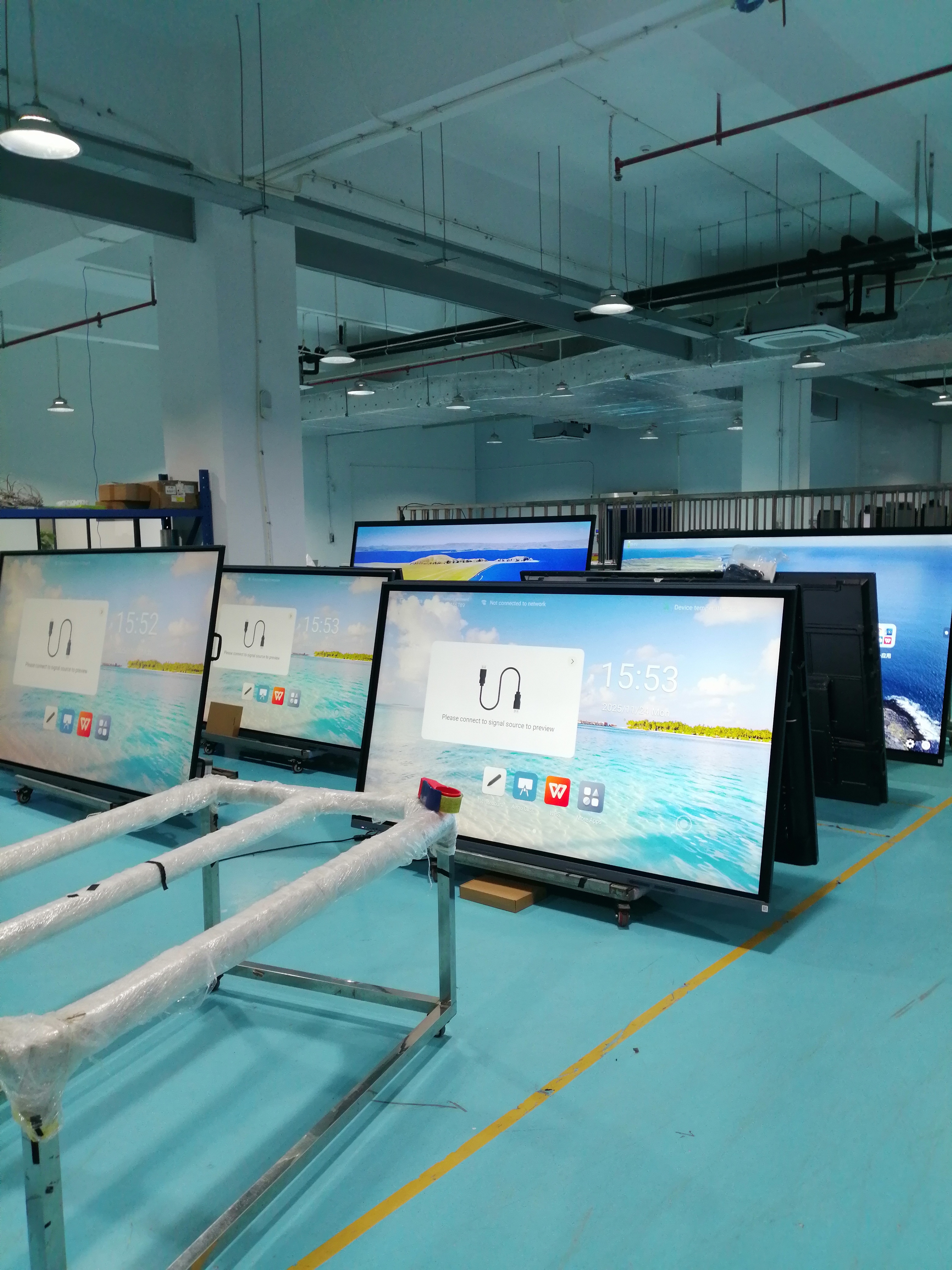
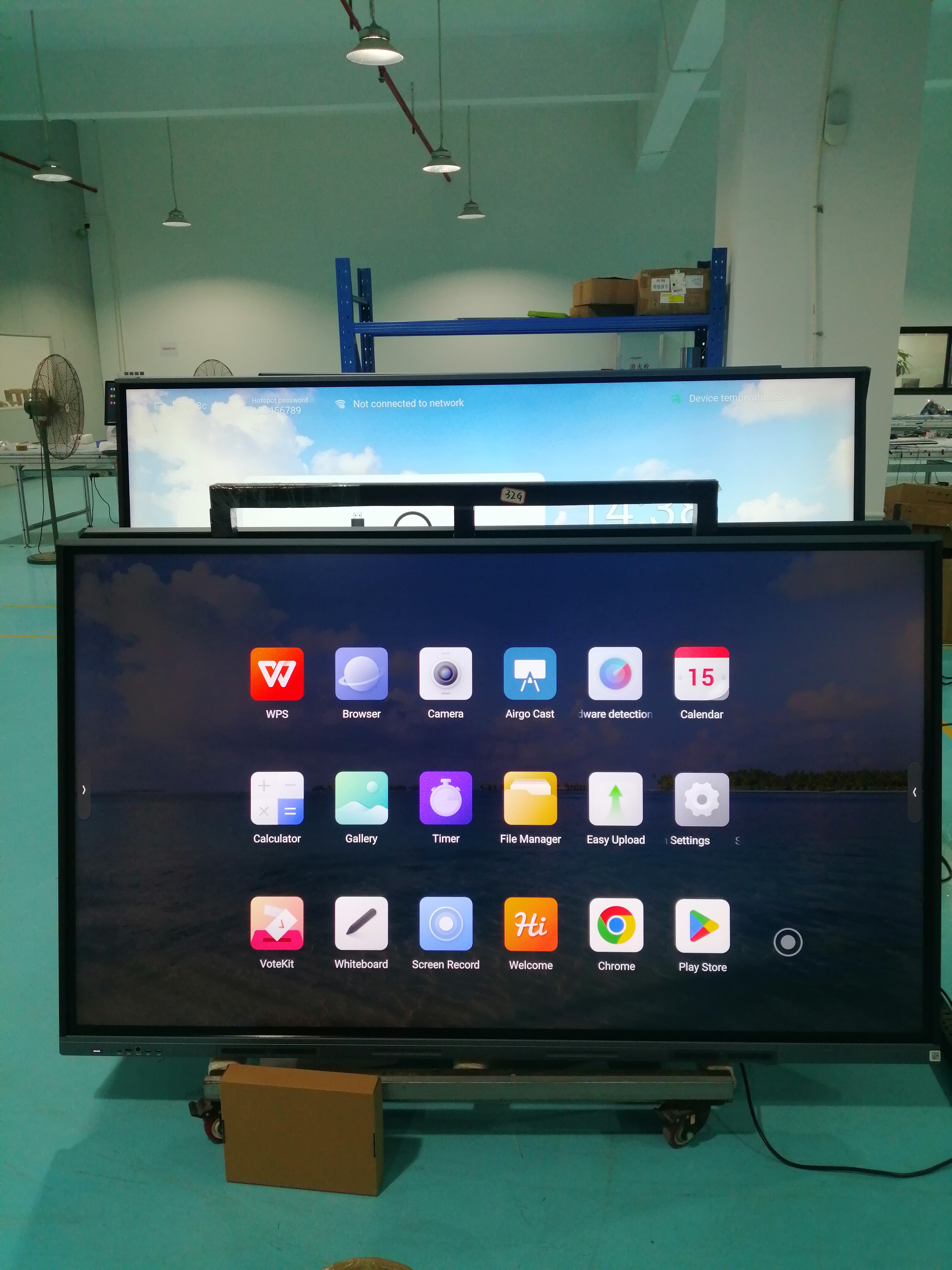
Ongoing Global Orders Keep Teaching System Production Lines Active. Our flat-panel board, which combines a high-definition interactive display with dedicated teaching software and wireless projection capabilities, is seeing consistent demand across international markets. This sustained interest is directly reflected in the operational tempo at our manufacturing facility.
Post time: Apr-24-2026