
In modern training environments, all-in-one interactive teaching displays have become standard equipment in many classrooms. These devices integrate traditional blackboards, projectors, computers, and audio systems into a single unit, significantly changing training instruction. So, how effective are these all-in-one teaching displays for training classrooms? How do they impact the instructional process, and how should one go about selecting and utilizing them?
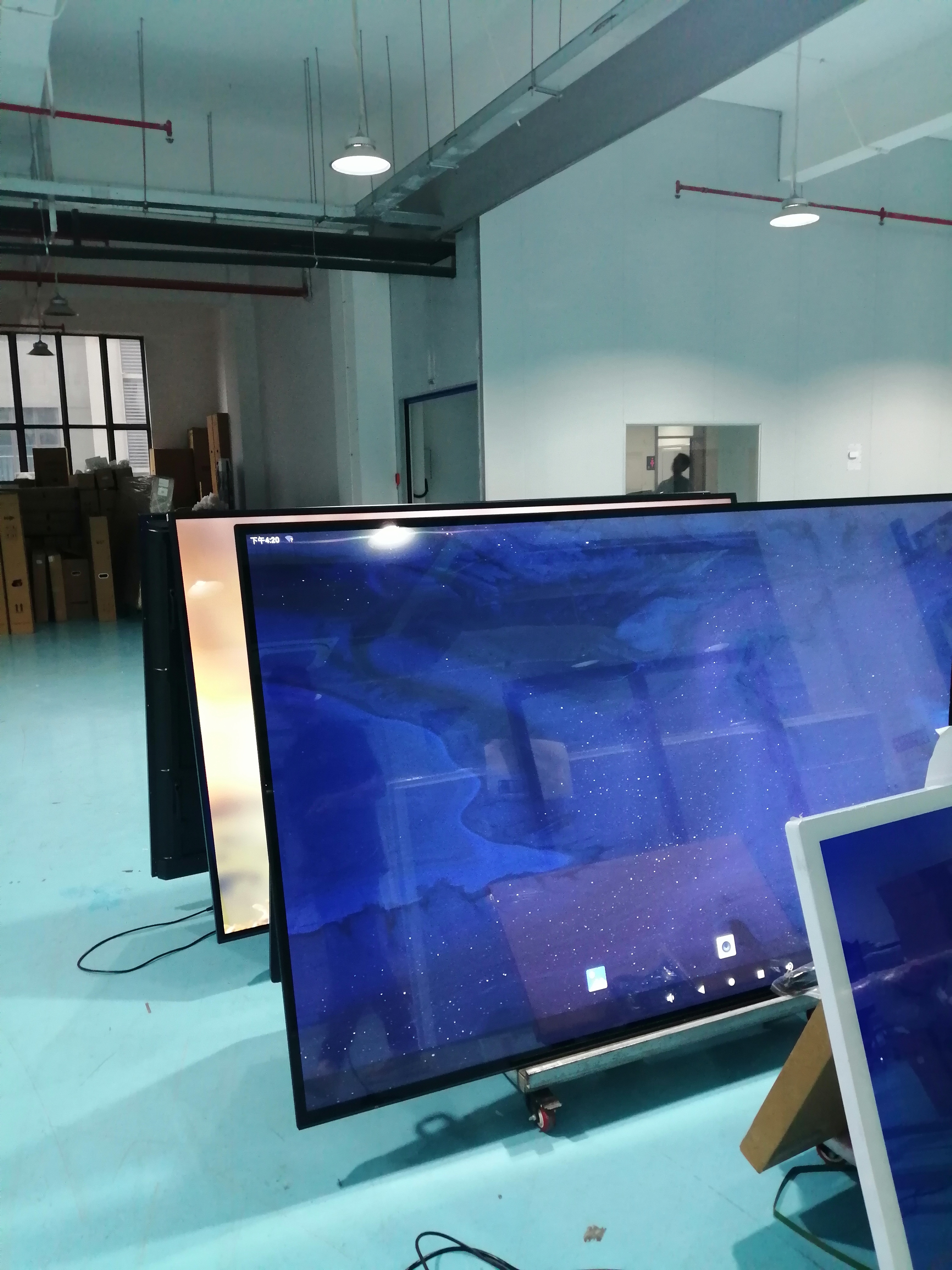
To understand the all-in-one teaching display, one must first grasp its basic composition. It typically consists of a large-format touchscreen display that integrates a built-in computer unit, audio system, and various connectivity ports. Users can interact directly with the screen via touch controls—much like using an oversized tablet computer.
I. Key Features and Functions of All-in-One Teaching Displays
1. **Integrated Design:** The most prominent advantage of the all-in-one teaching display is its high degree of integration. It replaces the separate components—such as projectors, projection screens, computers, amplifiers, and electronic whiteboards—that previously required individual installation. This design simplifies classroom cabling, creates a neater podium area, and reduces the complexity of maintenance and troubleshooting often associated with dispersed equipment.
2. **Interactive Touch Operation:** Touch functionality lies at the core of these devices. Instructors can use their fingers or a dedicated stylus to write, annotate, drag-and-drop, and click directly on the screen. Whether explaining a document, analyzing a chart, or facilitating a group brainstorming session, this real-time interactivity makes the instructional process more intuitive and engaging.
3. **Rich Multimedia Support:** The device is capable of seamlessly playing high-definition video, audio, animations, and various types of courseware. This facilitates the incorporation of diverse materials into training sessions, catering to different learning styles and enhancing both student attention and depth of understanding.
4. **Convenient Screen Sharing and Note-Taking:** Most all-in-one units support split-screen display, content annotation, and the ability to save handwritten notes. Notes written and key points highlighted by the instructor can be saved at any time and distributed to students, thereby eliminating the issue of content loss that occurs when erasing a traditional blackboard. Some devices also support wireless screen mirroring, allowing students to quickly share the screens of their own personal devices onto the large display.
The all-in-one teaching machine is a true gem of modern educational technology; its applications within the education sector are extensive, and its advantages are distinct. The following is a detailed breakdown of the features and benefits of the all-in-one teaching machine:
��� **Interactive Classroom Instruction**
Teachers can utilize the all-in-one machine to display course content and engage in real-time interactions with students—such as multi-touch positioning, digital writing, and live annotation—thereby boosting student motivation and engagement.
��� **Remote Learning**
Leveraging the power of the internet, the all-in-one machine supports live online instruction, providing high-quality educational resources to students across different regions and effectively breaking down the barriers of time and space.
��� **Independent Learning**
Students can utilize the resources available on the all-in-one machine—such as instructional videos and digital textbooks—to engage in self-directed study and enhance their learning capabilities.
��� **Multifunctionality**
The all-in-one teaching machine integrates multiple functions—including those of a projector, an interactive whiteboard, and a computer—into a single unit, thereby diversifying and enriching the educational process.
��� **Interactivity**
Equipped with touchscreen technology, the device facilitates real-time interaction between teachers and students, significantly boosting student engagement.
��� **Multimedia Instruction**
It supports a wide range of multimedia formats—including images, audio, and video—making the educational experience more vivid, dynamic, and engaging.
��� **Space Efficiency**
Compared to traditional teaching equipment, the all-in-one machine occupies significantly less space, resulting in a neater, more spacious classroom.
��� **Real-time Data Feedback**
The system can record student interactions and responses, enabling teachers to monitor students’ learning progress in real time and tailor their instruction to meet specific needs.
♻️ **Eco-Friendly**
This digital approach to instruction reduces the consumption of paper and printed materials, thereby contributing to environmental protection.
��� **Personalized Learning**
It allows students to learn at their own pace and according to their preferred learning styles, providing a truly personalized educational experience.
The all-in-one teaching machine not only enhances educational efficiency and diversifies teaching methodologies but also provides students with a more vivid, engaging, and enjoyable learning experience.
Post time: May-16-2026